DbSchema: tool for modeling database schema, sql and data browse

DbSchema is a database tool which makes your daily work intuitive and easy by using a different approach of the databases. Our target is to bring both database schema and data in a single unified workflow. This way you will get a deeper understanding of the databases and a faster access to the data. DbSchema is the proper tool for working in team as well as for designing, modeling, exploring and analyzing databases.

Focus on architecture

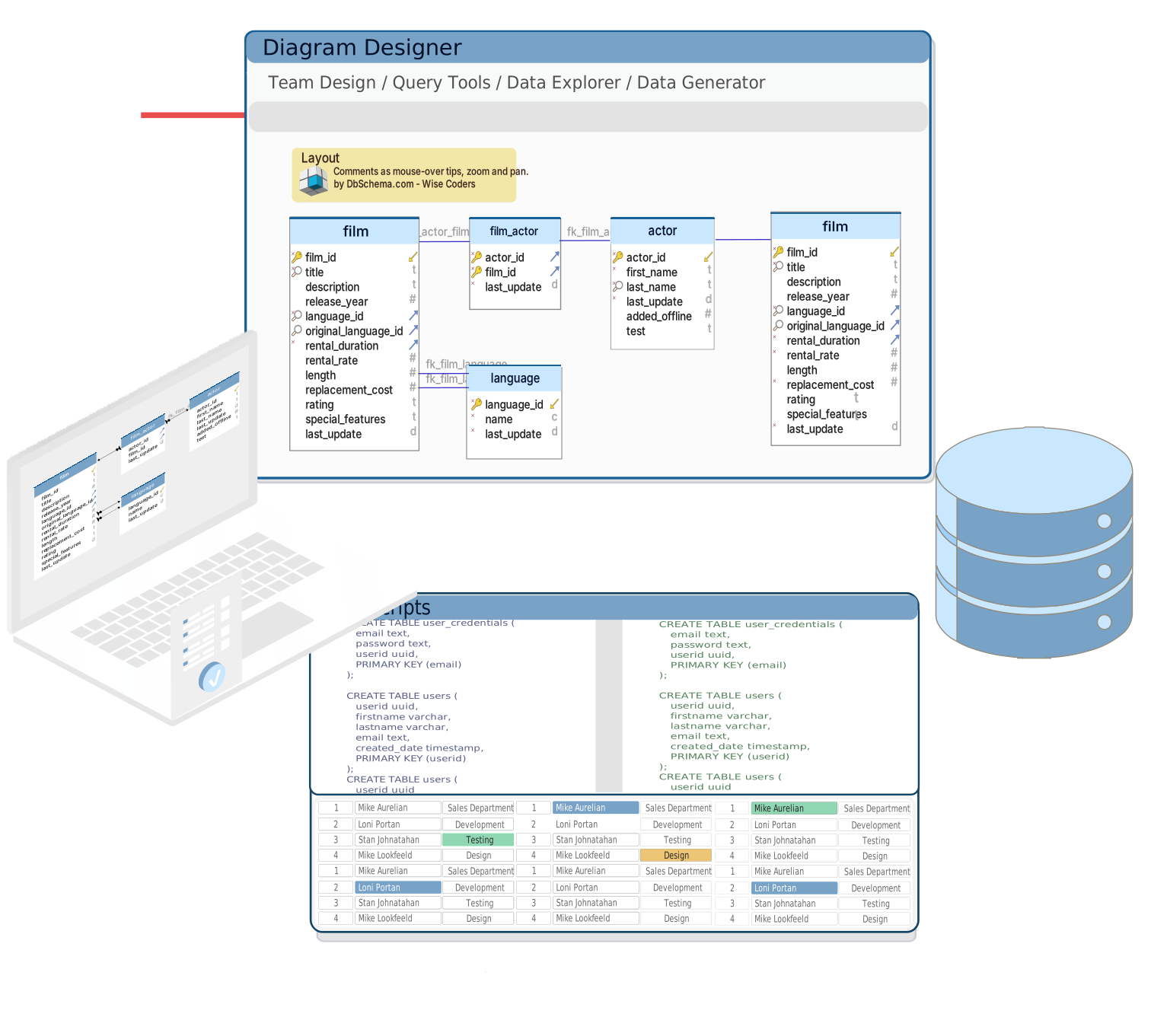
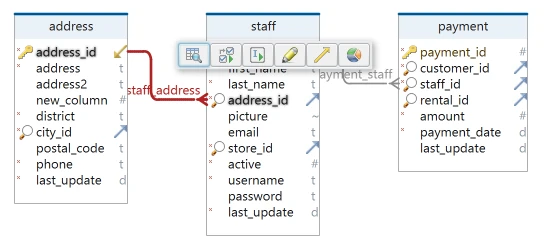
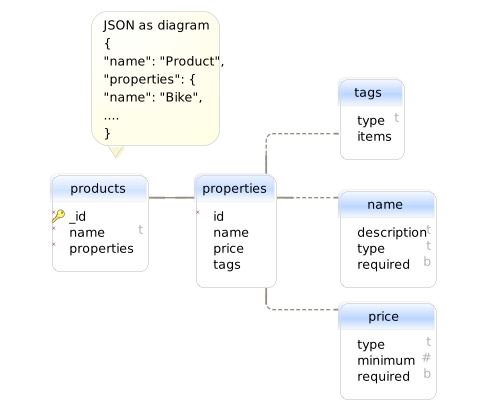
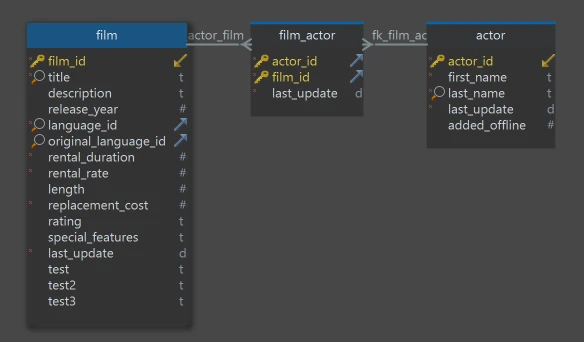
The database architecture is the key factor when designing an application. The database design or analyze can be done the best using diagrams. DbSchema lets you build multiple diagrams for one single database, each diagram with the same or different tables. The diagrams can be interactively edited, commented, printed in different output formats, etc. Using multiple diagrams you can focus better on specific parts of the database and you can get a global overview in the same time. The diagrams are the background work environment for the Relational Data Browse and SQL work. Watch online video

Relational Data BrowseData Explorer

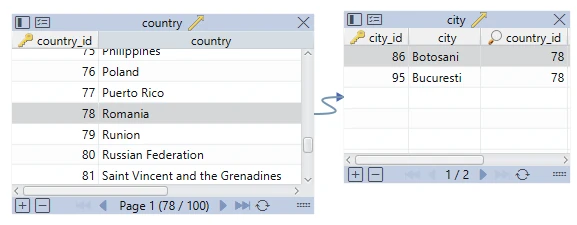
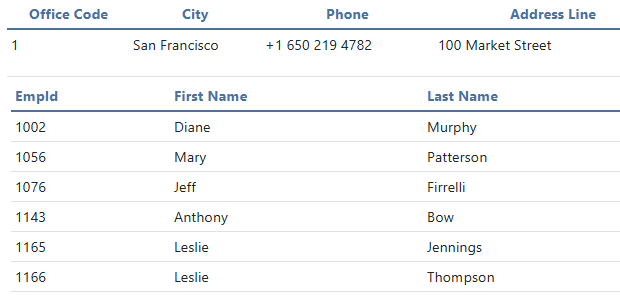
Searching of data into the database makes more sense in its context, of the relational schema. The Relational Data Browse shows you data from different cascading tables simultaneously. Selecting one record from a table will update the related tables with data matching the join condition. You can cascade as many tables as you want. To have a precise control over the displayed records you can set filters. You can also sort the records or view large Objects (LOBs).
Watch online video

Database schema synchronization and team work

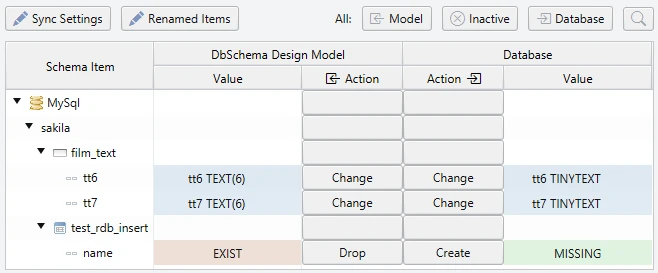
Database synchronization consist in comparing the local project with the database. You can choose what should be done for each difference found and apply the changes on the database or on the local project. The upgrade of the database can be done by generating the modification script and applying it later, or online by applying each modification one by one. The synchronization feature is useful for team work, comparing databases, round-trip-engineering, etc.

Work free on SQL

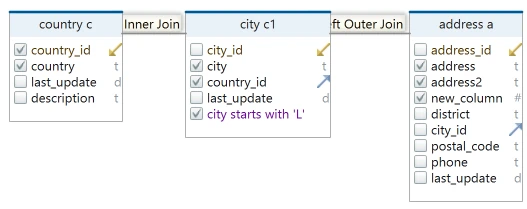
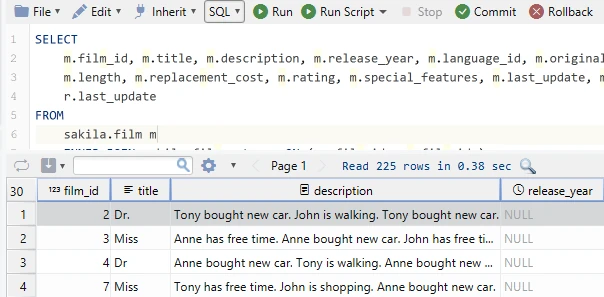
DbSchema includes a powerful SQL editor. Features like syntax highlight, auto complete and generate queries makes your work much comfortable. You can build queries in an easy and intuitive way, as you have the schema in front of you. You can run the queries and view the results, debug the queries, spool the results to disk. Two execution modes are supported: one for single queries and one for scripts. Watch online video

Document your schema

Good documentation is vital for maintaining any application, and schemas are no exception to this rule.
DbSchema supports documentation from the ground up, allowing every table, column, index, etc. to have an associated comment or description. DbSchema can generate documentation in several formats (html, svg, etc ...). It can even generate comment SQL scripts for databases that support this feature.


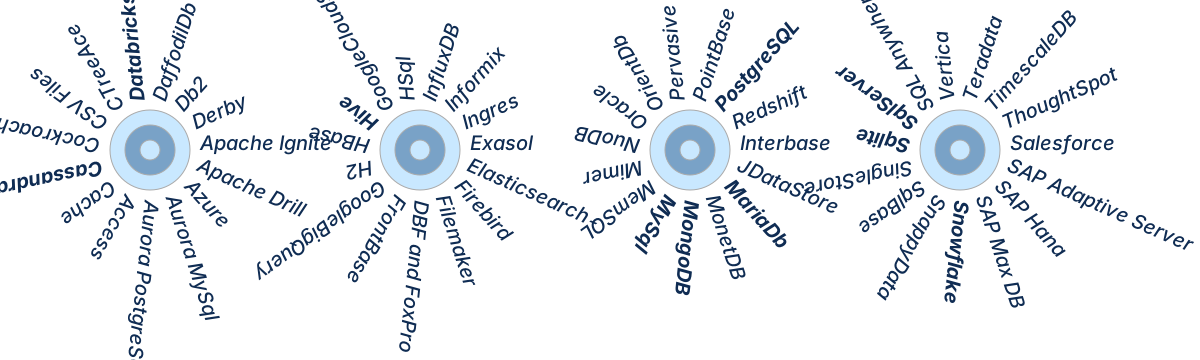
Oracle  Db2  MySql  Postgres  Sybase  MsSql  SAPDB